How KidBook Works
From your first click to a magical personalized storybook — the complete journey in 8 simple steps.

Create your account
Sign up with email or Google in seconds. No credit card needed to get started — your first preview is free.

Choose a language
Pick from 12 languages. The story, interface, and audio narration will all be in the language you choose.

Your child's profile
Enter your child's name, age, and upload 1–3 clear photos. The AI uses them to make your child the hero — face and all.
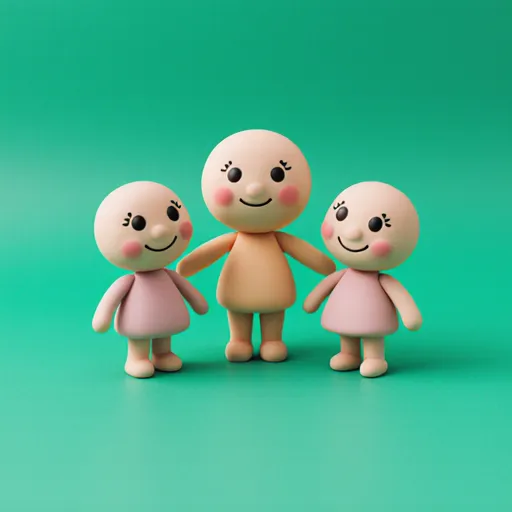
Add characters
Include siblings, friends, pets, or family members. Up to 4 extra characters, each with their own photo.

Pick a theme
Choose from dozens of themes — space adventure, fairy tale, underwater world, superheroes, dinosaurs, and more.

Set book options
Choose a book size: Short (4 pages), Medium (8 pages) or Large (16 pages). Then pick the art style that best fits your child.
See full pricing
AI creates the magic
Our AI writes a unique story, generates illustrated pages with your child's likeness, and adds audio narration. Ready in minutes.

Read, edit & download
Flip through the book, regenerate any page you don't love, edit the text, and download as a PDF or video with narration.